
Jupyter Notebooks and Syzygy for Data Science in BC
WHAT SITS BEHIND THE “UBC SYZYGY” LOGIN, AND HOW TO USE IT
Search for “UBC Syzygy” or “SFU Syzygy,” and you tend to land on a login screen with no explanation. It is not a dead end, and it is not a trick. Syzygy is the Jupyter notebook service that many data science students in British Columbia use, and this page explains what sits behind that login, how to get in, and what to do once you are there.
What Syzygy Is
Syzygy is a hosted Jupyter notebook service. It comes out of a partnership between the Pacific Institute for the Mathematical Sciences, the Digital Research Alliance of Canada and Cybera, and it lets students write and run code in a browser without installing anything. You sign in with your university account and land in a ready Python or R workspace.
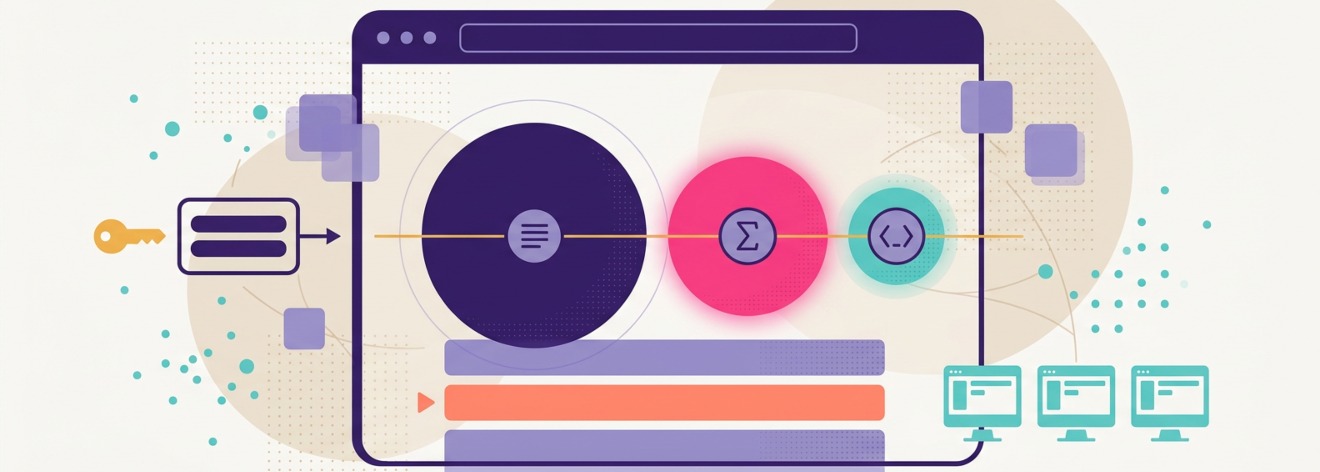
The name is worth a moment. It is pronounced sizz-eh-gee and describes the alignment of three celestial bodies, which here stands for the alignment of text, maths and code inside a single notebook. The practical payoff is duller but real. Everyone in a class or a workshop gets the same working setup on the first morning, with nothing to download.
How to Log In
Access runs through your institution. Each partner school has its own hub, and you sign in with the same credentials you use for everything else on campus. If you are not attached to a partner school, a couple of open hubs take a Google account instead.
Who You Are | Where To Go | Sign In With |
|---|---|---|
You study at UBC | The UBC hub, ubc.syzygy.ca | Your CWL login |
You study at another partner school | That school’s hub, usually < school >.syzygy.ca | Your campus login |
You have no partner institution | pims.syzygy.ca or cybera.syzygy.ca | A Google account |
What You Can Do with It
A notebook holds live code, its output, charts and written explanation in one document, which is why it became the default tool for teaching data science. On Syzygy students use it for Python and R work, for statistics and machine learning coursework, and for the messy exploratory analysis that workshops throw at them.
Julia turns up on some hubs too. Because the environment is shared, an instructor can hand out a notebook and know it will behave the same way for every student. One thing to keep in mind: these hubs are built mainly for teaching and training, so they suit coursework rather than heavy, long-running research jobs.
A Few Practical Tips
Most of the friction people hit on Syzygy comes down to a handful of quirks. Here are the common ones and the quick fixes.
If This Happens | Try This |
|---|---|
A package you installed is gone next session | Create a named environment and install there. The default one resets each time you log in. |
The server will not start | Wait a moment for the previous session to close, then click Start Server again. |
You need git or a command line | Open a terminal from the hub. Everything works except superuser commands. |
Maths formulas render oddly | Firefox handles them best. Chrome is better for copy and paste inside the terminal. |
Related Tools Worth Knowing
Syzygy is not the only Jupyter project with BC roots. Callysto is a version built by PIMS and Cybera to bring notebooks into grade 5 to 12 classrooms. PIMS and Cybera wound down their active work on it in 2024, but the platform stayed open source, and its library of more than a hundred lesson notebooks is still free to use.
At the other end of the scale, researchers who outgrow a teaching hub move to the larger national systems run by the Digital Research Alliance of Canada. And once you are comfortable, you can always run Jupyter on your own laptop. The hosted service mainly saves beginners and large groups from the setup.
Questions People Ask
Is Syzygy free?
For students at partner schools, access through a campus login has generally been free. Terms can change, so confirm on the site.
Do I have to use Syzygy to learn data science?
No. It removes a lot of setup, which is why courses lean on it, but the same notebooks run on your own machine.
Who runs it, and who do I ask for help?
PIMS runs it with Cybera and the Digital Research Alliance of Canada. Support questions go to [email protected].
Which languages does it support?
Mainly Python and R, with Julia available on some hubs.
Read More at the Source
Every claim above can be checked against the people who run the service. Start here.
- Syzygy: syzygy.ca
- Syzygy introduction guide: intro.syzygy.ca
- Pacific Institute for the Mathematical Sciences: pims.math.ca
Disclaimer
This website is an independent informational resource about data science initiatives and workshops in British Columbia. It is not affiliated with the BCData Initiative, the Pacific Institute for the Mathematical Sciences (PIMS), or the University of British Columbia.